
There are two types of errors in an application.
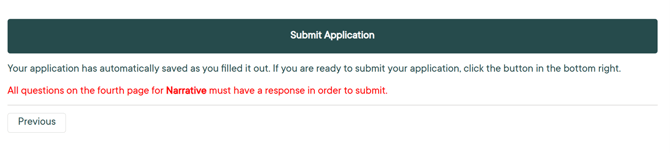
- One is the red text that appears on the final screen of an application, alerting you to fields that have not been completed but are required, or that a field has been incorrectly filled out. Please fill out the required fields and submit the application.
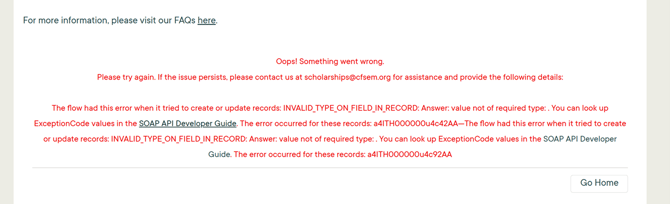
- There could also be system errors if you encounter a bug in the application / system. In this case, please take a screenshot of the error message and send it to us at scholarships@cfsem.org along with a short note about what caused the error.
Thank you for your patience while we review and troubleshoot the issue.