
- To reset your password, start on the Scholarship Portal here and click on “Login”.
- Enter your personal email address (not your K12 school email) and click “Log in”.
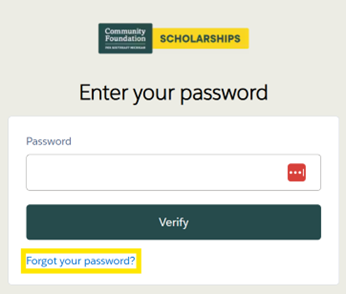
- Click “Forgot your password?” under the button that says “Verify”.
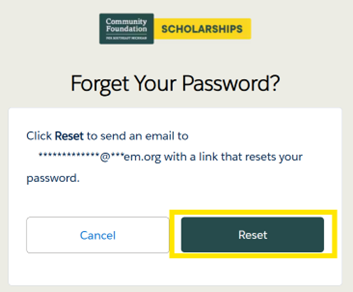
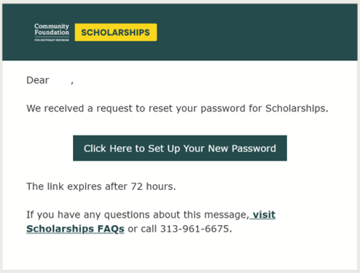
- Click “Reset” to send an email with a link to reset your password.
-
If you’re still unable to access your account, please contact us at scholarships@cfsem.org.