
- To submit an application, complete each section of the application and navigate to the final screen.
- This screen will verify the information you’ve submitted and alert you to any fields that must be completed prior to submission, in red text.
- If there are sections left to complete, please return to the relevant page(s) and fill them in.
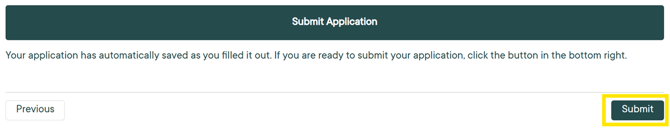
- Once all required fields are completed, the “Submit” button will appear on the final page.
- Click “Submit” to finish your application.
- If you encounter errors within the application that do not allow you to submit, please contact our team at scholarships@cfsem.org.