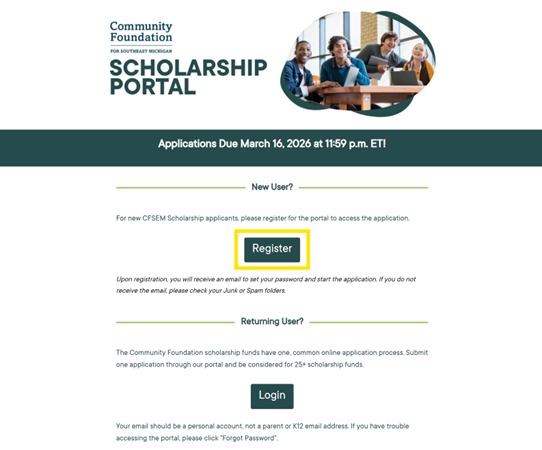
- To register for the Community Foundation’s Scholarship Portal, navigate to mycf.cfsem.org/scholarships.
- Click on “Register”.
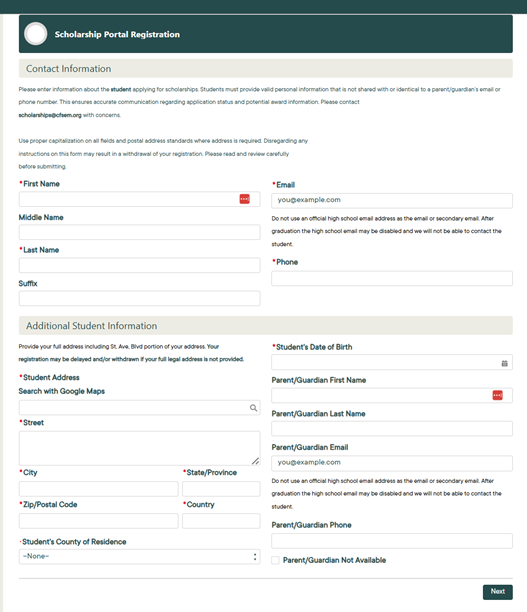
- Complete the registration form that displays and click “Next”.
- You will then receive an email confirming your registration and providing a link to set your password for the portal.
- Once you’ve set your password, the portal will allow you to start your application.